
Didaktos combines structured inputs, conversational instructions, and your own materials to generate accurate, personalized, classroom‑ready educational resources.
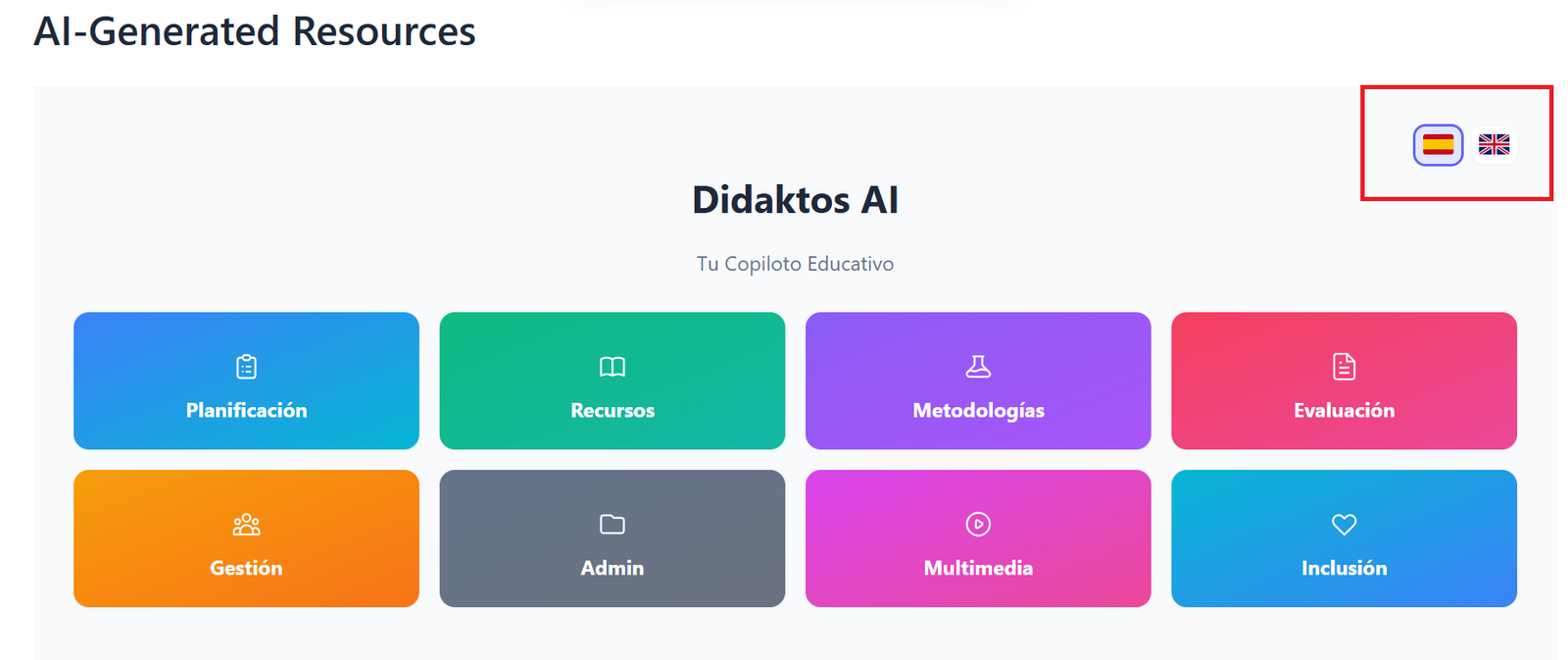
Complete the Smart Form
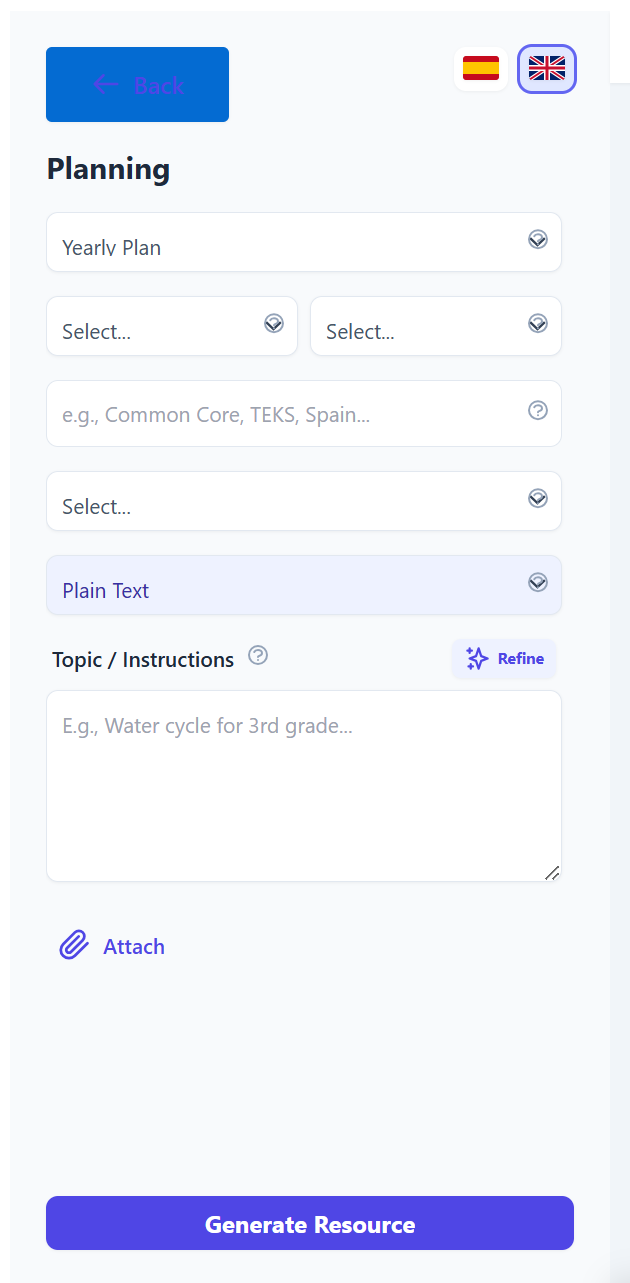
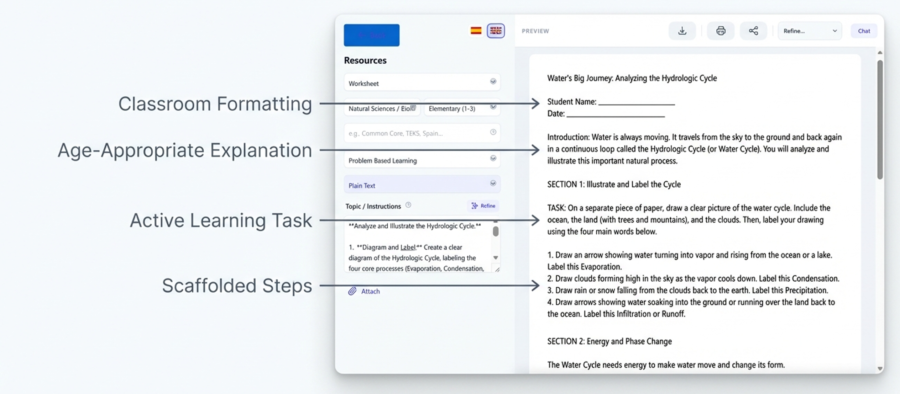
Select the subject, educational level, methodology, and type of resource. The form establishes the pedagogical framework so Didaktos can generate aligned, high‑quality content.
- Subject
- Educational Level
- Teaching Methodology
- Type of Resource
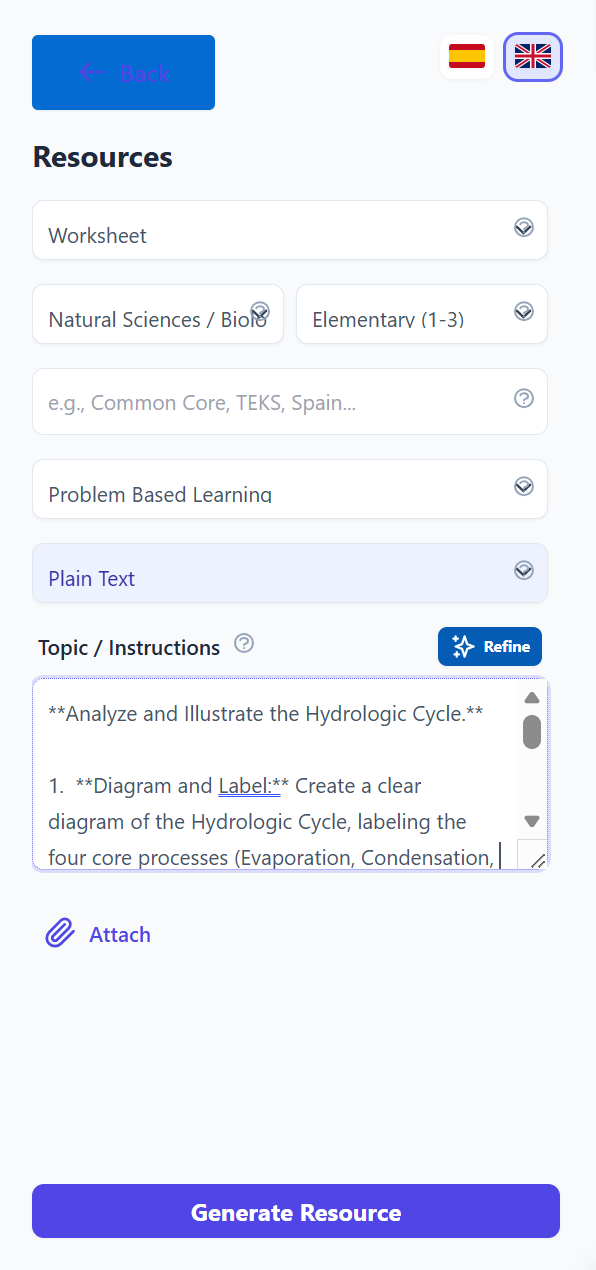
Describe Your Topic in the Chat
Write the topic, objectives, or specific details you want included. Didaktos combines your form selections and your instructions to generate precise, personalized content.
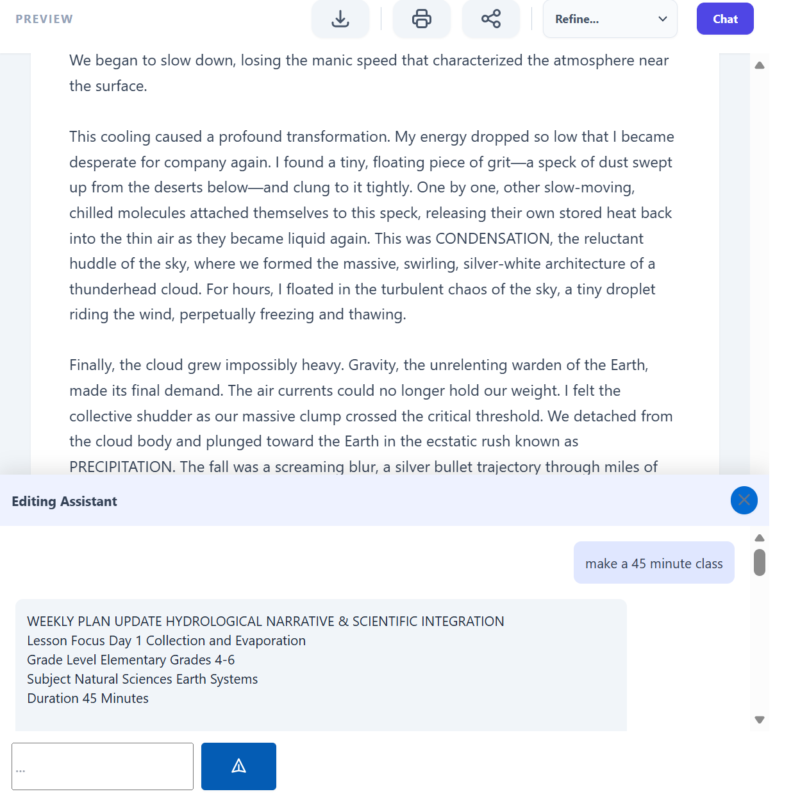
Improve Your Prompt Automatically (Refine)
Adjust the resource without rewriting anything. With one click, you can modify:
- Difficulty level
- Length
- Tone
- Methodology
- Structure
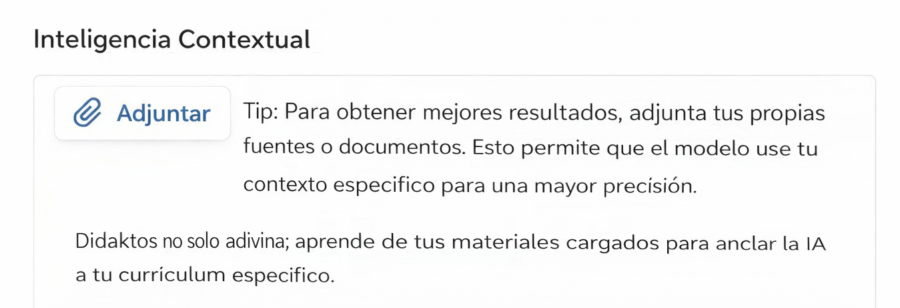
Attach Your Own Materials
Upload PDFs, images, videos, audio files, or textbook excerpts. Didaktos analyzes your materials and generates resources based on your real content.
Generate Your Resource
Didaktos creates structured, ready‑to‑use activities, questions, readings, diagrams, exercises, rubrics, and feedback.
Export Your Resource
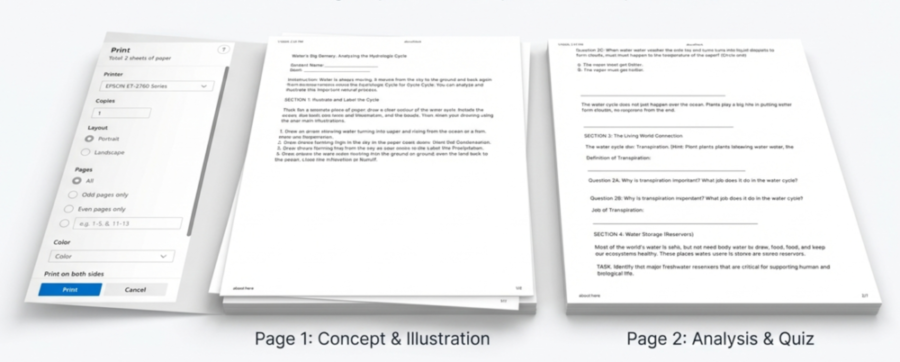
Download your resource as a PDF, DOCX, or copy it directly to your clipboard for use in your LMS.
Start creating better resources in minutes
Try Didaktos free for 7 days and experience the full workflow.
Start Free Trial